


Sign up now and get 50% off on your first month on any plan






%20(1).webp)









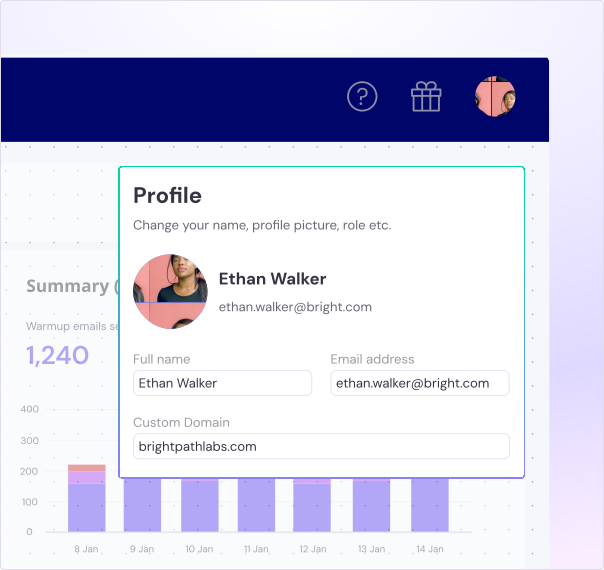
Impress your clients with a "built for them" email platform under your brand.

Have it under your own domain -> app.yourdomain.com.

Clients can access reports & campaigns & reply from the master inbox.

Extend your brand reputation and stand out from competitors.
Don’t pay per seat. Add your entire team to Smartlead.

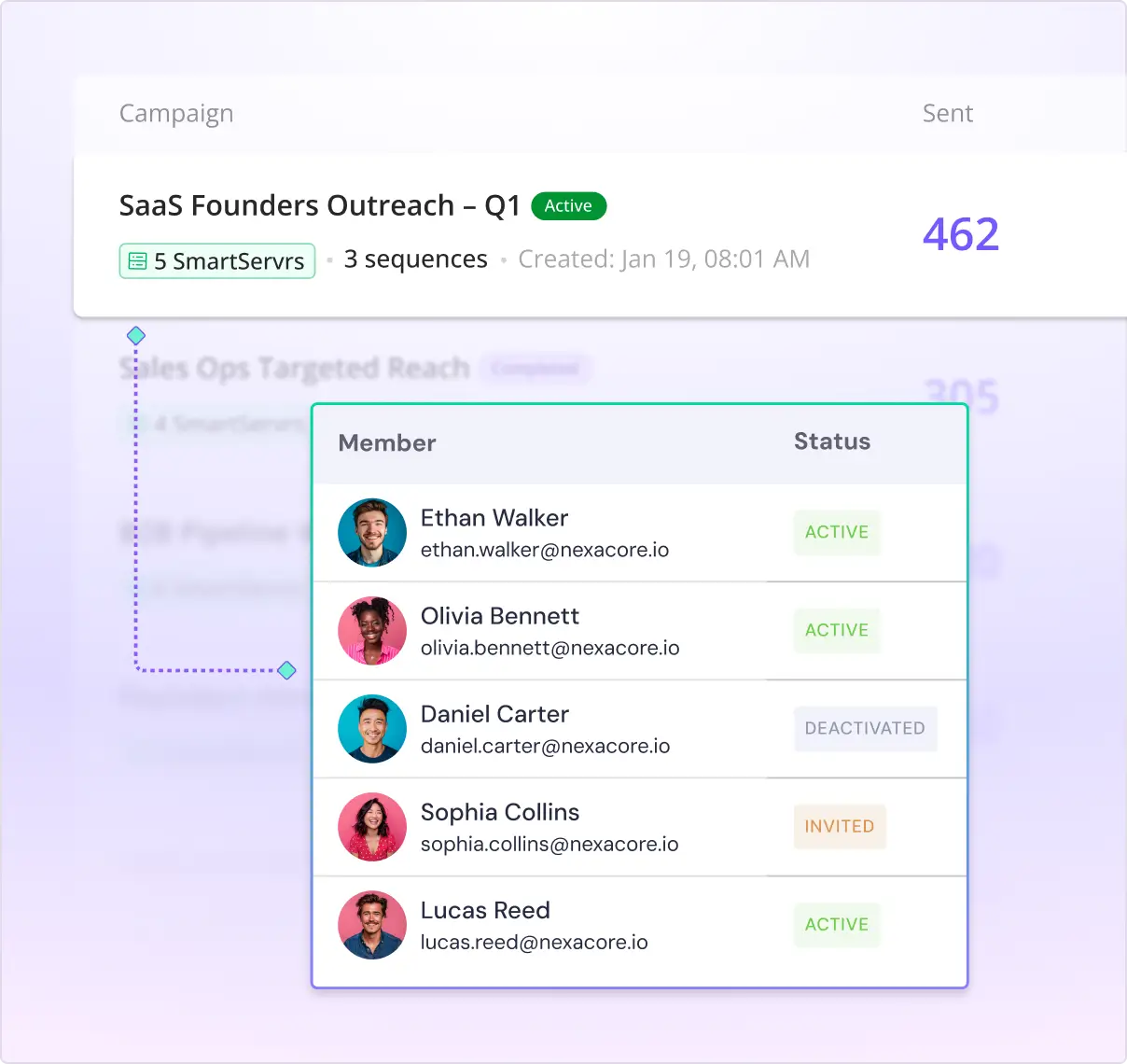
Add your entire sales and marketing team to manage your inbox and campaigns.

Analyse team member performance through the dashboard.

Allocate campaigns to team members.
Impress your clients with your bespoke built outreach solution.

Build your pricing packages independently and offer them to your clients.

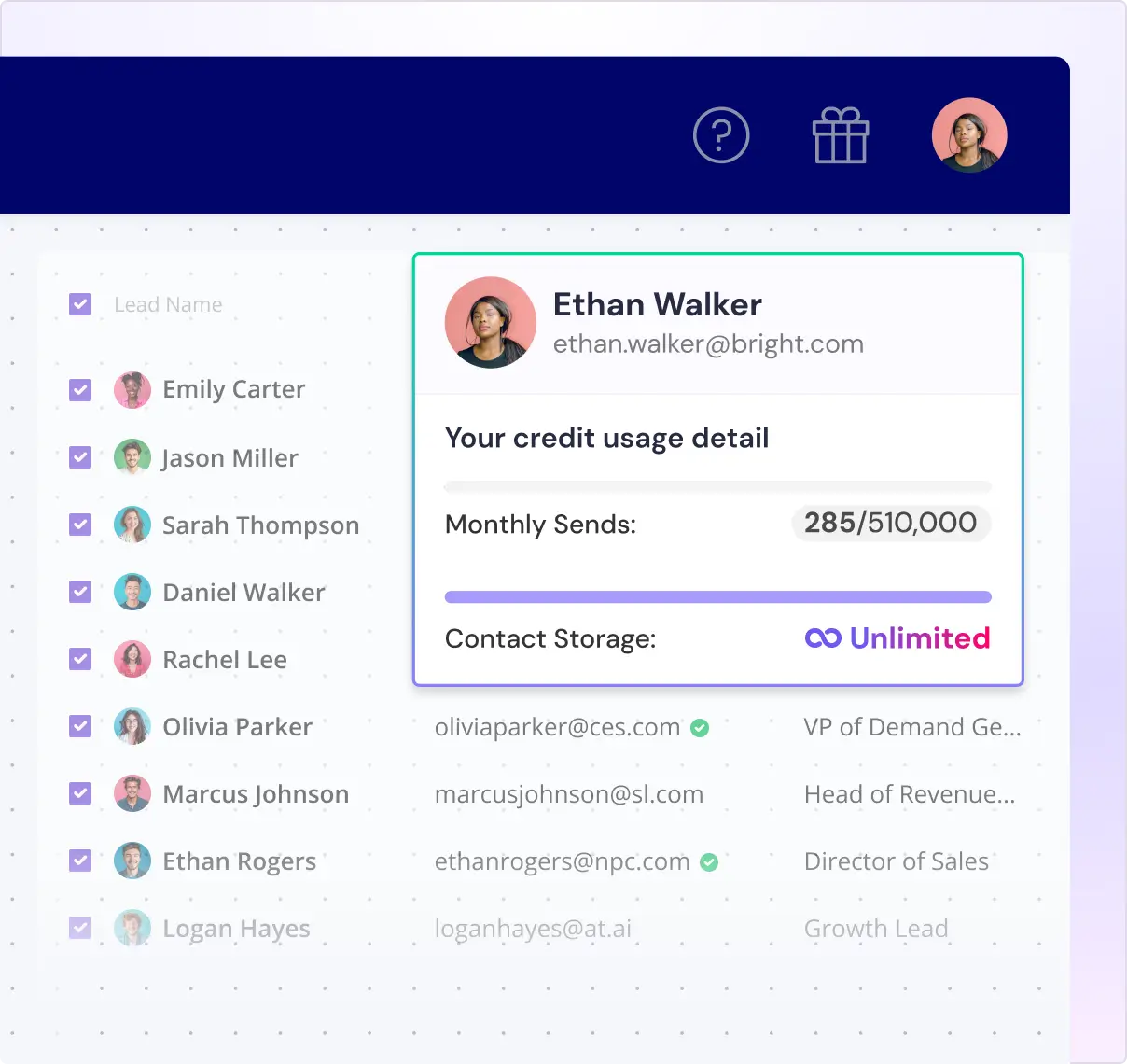
Split and manage your lead credits.
Get AI-native operating system for your enterprise sales team
Book a DemoThe master inbox is your one-stop solution where you can manage all your messages from different email accounts from all campaigns in one place. Instead of hopping between accounts, you get everything neatly organized in a single dashboard. It's super handy for staying on top of your emails without the hassle of switching back and forth between accounts. Plus, with features like real-time email replies, enhanced lead management tools, and customizable views, you have everything you need to streamline your email workflow and boost productivity.
The Untracked Replies feature will launch in the last week of February, 2024. This exciting addition to Master Inbox 3.0 will allow users to track all responses, even those without the usual tags or identifiers.
Adding attachments directly to the master inbox simplifies email conversations. Now, users can seamlessly exchange files like documents, images, and videos within their inbox, eliminating the need to switch between applications. This feature saves time, enhances organization, and boosts productivity by ensuring all important files are easily accessible when needed.
The Sidebar feature in Master Inbox 3.0 makes inbox management efficient and organized. It offers easy navigation with categories like Inbox, Sent, Important, Snoozed, Reminders, Scheduled, and Archived. Each section serves a specific purpose: Inbox for incoming messages, Sent for replies sent, Important for marking key leads, Snoozed for temporary hold, Reminders for follow-ups, Scheduled for scheduled emails, and Archived for storing leads.
Real-time email replies in Master Inbox 3.0 ensure you receive lead responses instantly. No more waiting around for replies; they appear in your inbox within seconds. This feature offers a complete view of customer messages across all your accounts, allowing you to engage with leads promptly and efficiently. It's a game-changer for cold email campaigns, ensuring you stay ahead and never miss a beat.
Custom view limits can vary by plan. Check the plan details in your Smartlead account, or ask our team on chat or at support@smartlead.ai for the current limits.
In Master Inbox 3.0, you can enhance your productivity with keyboard shortcuts that make managing your email campaigns easy. You can perform various actions, from assigning leads to blocking them without leaving your keyboard. You can automatically mark a lead as out of office just by pressing "O + L." Likewise, you can pause or resume a lead with other shortcuts. Whether you're replacing a lead, assigning categories, assigning tasks, or pushing leads to another campaign, these shortcuts streamline your workflow and save you valuable time.
While Master Inbox 3.0 is a significant step forward, Smartlead is committed to continuous improvement. We're actively gathering user feedback and exploring enhancements to further streamline workflow management and boost productivity. Stay tuned for upcoming updates as we strive to deliver even better solutions for our users!
.svg)
.svg)




.svg)